Summarize any page
Long articles, docs and research become a short summary right in your browser tab.
 Muse AI AgentYour AI companion for the web
Summarize pages, understand complex ideas, translate content, draft emails, and get more done — right alongside the websites you use every day.
Your AI companion, right in your browser. 1 free AI request every day
Ten tools in one side panel. Each one works with the page you are reading or the text you select, so you spend less time copying, pasting and switching tabs.
Long pages hide the one answer you need. Ask in plain words and get an answer grounded in the page you have open.
Fifteen-minute reads, five minutes to spare. Key points and takeaways in seconds, so you can decide what deserves a full read.
Jargon stops you mid-paragraph. Select a passage and Muse rephrases it simply, with an example if you ask.
Your draft says the right thing the wrong way. Shorter, clearer, friendlier or more formal versions to choose from.
The best source is in a language you do not read. Translate selections and ask about the page in your own language.
An hour-long video for a two-minute answer. A summary and key moments from the transcript, when one is available.
Replies that take longer than they should. A draft in your Gmail compose window that you review and send yourself.
You need a visual, not a new design app. Describe it in the panel and get an image without leaving the tab.
Useful finds get lost in tabs and bookmarks. Keep pages and notes in Muse, stored on your own device.
Typing the same instructions again and again. Summarize, Explain, Rewrite and Extract in one click, or right-click any selection and choose Ask AI.
Screens from our store listing: page summaries, translation, one-click actions and YouTube, all in the side panel.
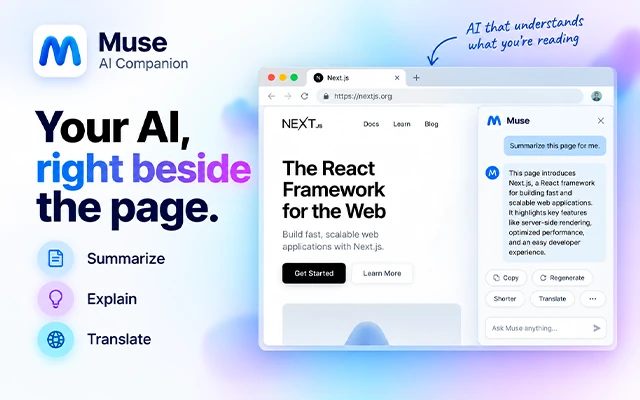
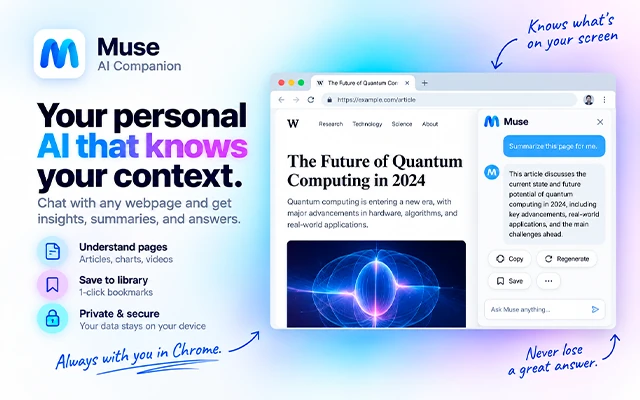
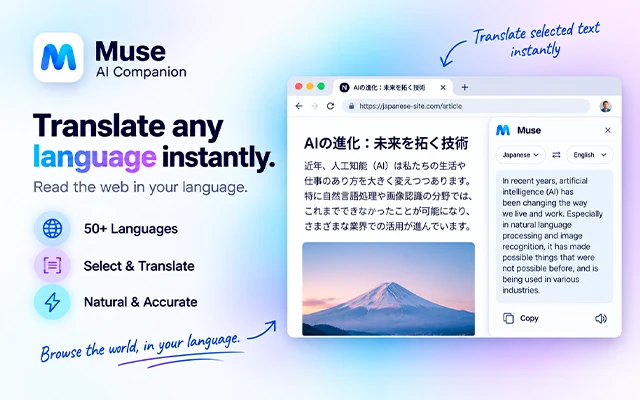
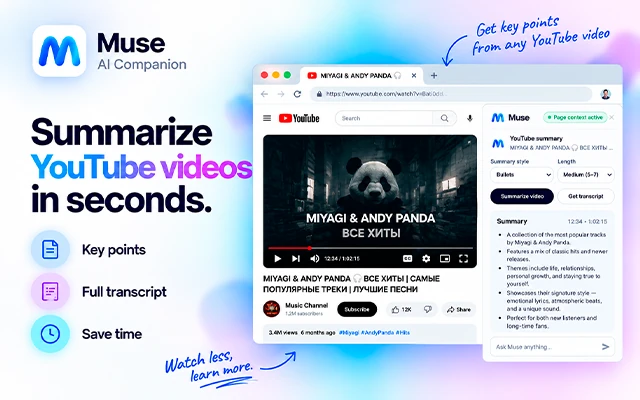
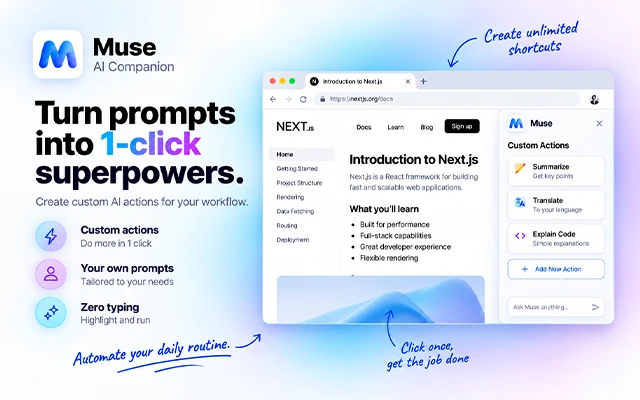
Muse is a browser extension. Install it once and it is ready on the pages you visit.
Add Muse from the Chrome Web Store, Microsoft Edge Add-ons or Firefox Add-ons.
Click the Muse icon in the toolbar or press the shortcut. The side panel opens next to the page, not on top of it.
Type a question, or tap Summarize, Explain, Rewrite or Extract. Your first AI request each day is free.
Click the puzzle-piece Extensions icon in the toolbar, then the pin next to Muse AI Companion. The Muse icon stays visible on every page.
Open the Muse side panel from any page:
⌘+M
Defaults: ⌘ + M on macOS, Ctrl + Shift + M on Windows, Linux and ChromeOS. Change it at chrome://extensions/shortcuts.
Muse also adds a small launcher to pages, with one-tap actions:
Real screens from Muse AI Companion. The panel knows which tab you are on, and every tool starts from there.
The current-tab card shows which page Muse is reading. Remember it for later with one tap.
Summarize, Explain, Rewrite, Translate and Extract, plus actions you create yourself.
Draft, Reply and Improve for Gmail. You always press Send yourself.
Describe a picture and create it without leaving the tab.
The counter shows your free AI requests. Upgrade only if you need more.
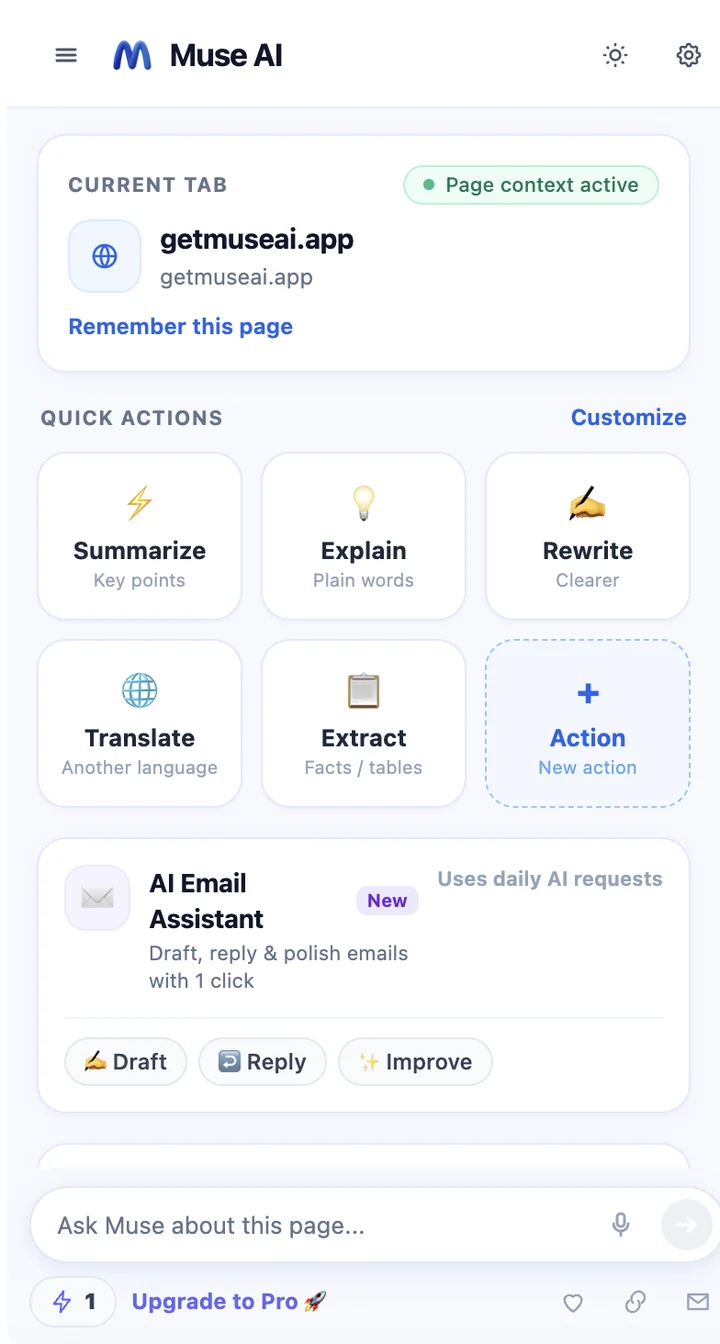
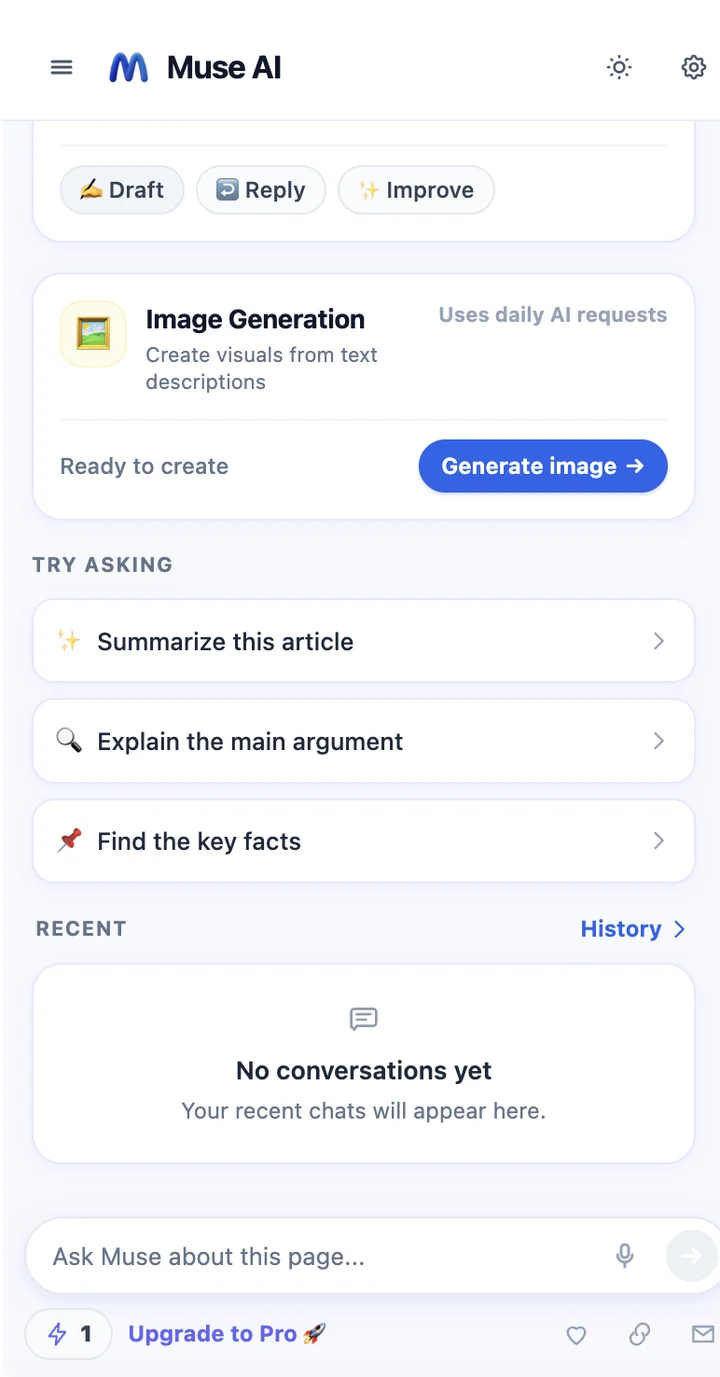
The same quick tour you see right after installing Muse.
Long articles, docs and research become a short summary right in your browser tab.
No filler: the main points, timestamps and transcript, when the video has one.
Email drafts, one-click replies and quick polishing of your wording.
Six everyday jobs where having AI beside the page saves real time.
Ask about the article in front of you and get answers that point back to what it says. Summarize first, then dig into the sections that matter.
Muse fetches the transcript of a YouTube video and gives you the main points and the moments worth jumping to.
Tell Muse what you want to say. It drafts a reply that fits the thread and inserts it into your Gmail compose window. You review it and press Send yourself.
Read a source in another language, ask about it in yours, or turn a clumsy paragraph into a clear one. The original stays on the page so you can compare.
Describe the picture you need for a post, slide or newsletter and generate it in the side panel, without another app or account.
Save useful pages and notes. Muse stores them locally in your browser and adds them to a later question about the same site only when you ask.
Muse AI Companion — also known as Muse AI Agent — is a browser extension that brings an AI agent into the side panel of Chrome, Edge and Firefox. It reads the page you choose, then summarizes, explains, translates, writes and creates images right beside it.
Looking for “Muse AI Companion” or “Muse AI Agent” in your browser’s add-on store? It is the same extension, published by FitzTools.
Answers come from the page you have open, not from a blank chat window.
Muse sends page context only when you use it, and never clicks Send or acts on websites for you.
The same Muse AI Agent for Chrome, Edge and Firefox, with one free AI request every day.
Muse reads page context in your browser and sends it for AI processing only when you ask. Your settings, conversations and saved notes stay on your device.
Read the full Privacy PolicyInstall only from official extension stores. Muse is designed around the Chrome side panel; features can differ slightly between browsers.
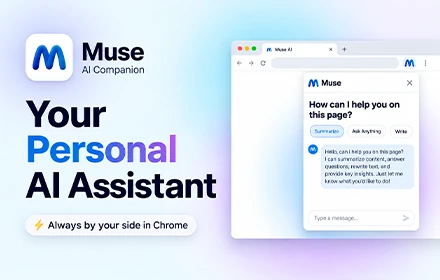
Everyone gets one AI request per day, shared across all features. Paid plans renew automatically until you cancel.
Try Muse every day.
$0forever
The single daily request is shared by all AI features — not one per feature.
Start with a 3-day free trial.
$4.99per week
A payment method is required to start the trial. Unless you cancel before it ends, the trial converts to $4.99 per week and renews every week.
For everyday browsing and writing.
$9.99per month
Renews automatically each month until you cancel.
The lowest cost over a year.
$39.99per year
Renews automatically each year until you cancel.
Upgrade inside Muse. Plans are chosen in the extension. Checkout opens on Dodo Payments, which shows the exact amount and currency before you pay. Prices in USD.
Add Muse to ChromeMuse AI Companion is a browser extension that puts an AI assistant in your browser side panel. You can ask questions about the page you are reading, summarize articles, explain difficult passages, translate, rewrite text, draft email replies and generate images, without leaving the tab you are on.
Yes. Muse AI Agent and Muse AI Companion are two names for the same browser extension by FitzTools. The store listings use the full name, Muse AI Companion; many people simply call it Muse or Muse AI Agent.
Open Muse from the toolbar icon or with the keyboard shortcut. While the panel is open, Muse reads the page context in your browser. When you send a message or use a quick action, your request, recent chat turns and the page excerpt go through the Muse proxy to OpenRouter to generate the answer. Nothing is sent until you ask.
Yes. On YouTube videos that have a transcript, Muse can fetch it to summarize the video and answer questions about it. If a video has no transcript, Muse cannot summarize what is said.
Yes. In Gmail, Muse can draft new emails, suggest replies to the open message and polish your wording. The draft is inserted into the compose field so you can review and edit it.
No. Muse never clicks Send. It does not use the Gmail API, does not sign in to your Google Account and does not list or download your inbox.
Yes. Muse can translate selected text and page content, and you can ask questions about a foreign-language page in your own language. Quality depends on the language pair and the text.
Muse has a free tier with one AI request per calendar day. To keep using AI the same day, choose Weekly ($4.99 per week after a 3-day free trial), Monthly ($9.99 per month) or Yearly ($39.99 per year). See Pricing.
One per calendar day, shared across all AI features. Chat, a page summary, a YouTube summary, an email draft or an image each use that same request. It is not one free request per feature.
Use the receipt or customer-portal link from Dodo Payments, or Muse's restore flow, which emails that portal link to your checkout address. Cancel before the trial or renewal date to avoid the next charge. Uninstalling Muse or clearing browser storage does not cancel a subscription.
No. Muse does not collect your browsing history as a list. It reads page context only while its panel is open or when you use Ask AI.
It goes to the Muse proxy on Railway and on to OpenRouter only to generate your answer. It is processed transiently; we do not keep a long-term database of your prompts or page content. Conversation history stays on your device. See the Privacy Policy.
Google Chrome (Chrome Web Store), Microsoft Edge (Edge Add-ons) and Mozilla Firefox (Firefox Add-ons). Muse is designed around the Chrome side panel, so some features may behave differently in other browsers.
Read the Privacy Policy and the Terms of Use. Both are specific to Muse AI Companion and published in English.
Install Muse, open it beside any page and try your first request free today.